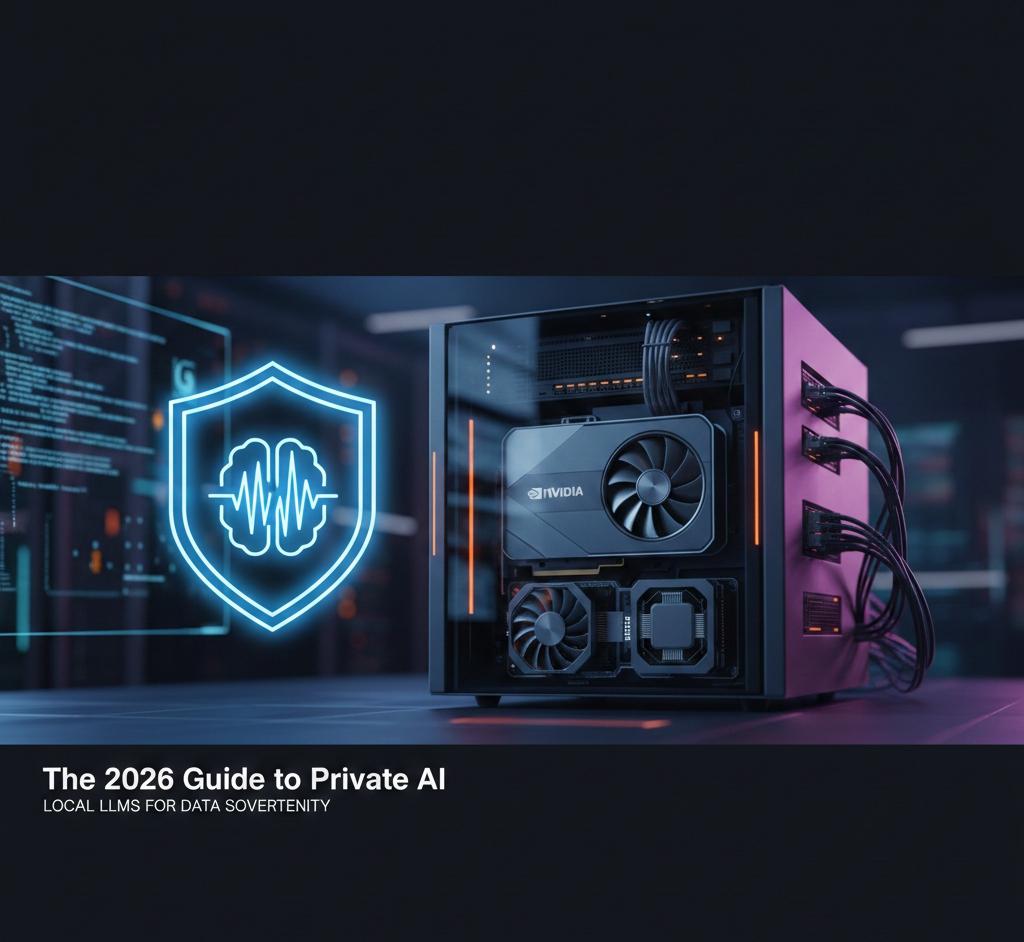


Master Data Sovereignty and Eliminate the "Token Tax" with Local AI Infrastructure.
In 2026, the honeymoon phase of public AI APIs is over. As enterprises face stricter Data Sovereignty laws and rising subscription costs, the shift toward Private LLMs has become a strategic necessity. Whether you are a privacy-conscious professional or an IT lead, building your own AI stack is the only way to ensure your intellectual property remains truly yours.
This guide provides a comprehensive technical roadmap to deploying a high-performance, secure, and fully private Large Language Model using the latest 2026 hardware and software ecosystems.
Table of contents [Show]
Phase 1: Hardware Procurement – The VRAM Blueprint
The performance of your private AI is dictated by one metric: Video RAM (VRAM). In 2026, advanced quantization methods like FP8 and AWQ allow us to run massive models on smaller footprints, but you still need to meet these baseline requirements:
| User Profile | Target Model | Recommended GPU |
|---|---|---|
| Hobbyist | Llama 3.3 (8B) | NVIDIA RTX 5080 (16GB) |
| Professional | Llama 3.3 (70B) | 2x RTX 5090 (64GB Total) |
| Enterprise | DeepSeek-V3 / 405B | Vultr NVIDIA H100 (80GB) |
Pro Tip: If upfront hardware costs exceed your budget, Cloud GPU instances provide the same data sovereignty at a fraction of the CapEx.
🚀 Get Started with $300 in Free GPU Credits
Deploy your private AI node on enterprise-grade NVIDIA H100 hardware today without the $30,000 price tag.
Phase 2: Setting Up the "AI OS"
In 2026, the software stack has moved toward containerization for stability. We recommend Ollama for beginners and vLLM for professionals who need high-throughput inference.
The One-Command Install (Ollama)
For those on Linux or WSL2, getting your LLM running is now a single-line process:
curl -fsSL https://ollama.com/install.sh | sh
ollama run llama3.3:70b
Enterprise Deployment (vLLM + Docker)
For multi-user environments, vLLM offers superior memory management via PagedAttention:
docker run -d --gpus all \
    -p 8000:8000 \
    -v ~/.cache/huggingface:/root/.cache/huggingface \
    vllm/vllm-openai \
    --model meta-llama/Llama-3.3-70B-Instruct
Phase 3: Privacy Hardening & Local RAG
A private LLM is only useful if it can access your private data securely. Using Retrieval-Augmented Generation (RAG), you can connect your model to your internal PDF library or database without ever uploading them to the cloud.
- Step 1: Install a local vector database like Qdrant.
- Step 2: Use LlamaIndex to index your local files.
- Step 3: Query your model; it will now "read" your private files to provide answers, ensuring 100% data sovereignty.
Frequently Asked Questions
1. Why choose Vultr over AWS for Private AI?
Vultr provides a "Complexity-Free" experience. Unlike the Big Three clouds, Vultr offers transparent pricing with no hidden egress fees for high-performance NVIDIA H100 nodes, making it the most cost-effective choice for 2026 AI infrastructure.
2. How much VRAM is required for a 70B parameter model?
With 2026's 4-bit quantization, you need approximately 40GB of VRAM. An 80GB H100 is the gold standard for production, as it leaves enough headroom for long context windows (up to 128k tokens).
3. Can I achieve HIPAA compliance with this setup?
Yes. By deploying your LLM within a Vultr VPC 2.0 and using encrypted block storage, your data remains in a "sovereign bubble," satisfying HIPAA, GDPR, and SOC2 requirements.
4. What is the break-even ROI for a Private LLM?
Organizations spending more than $500/month on token APIs typically see a 100% ROI in less than 10 months by switching to a dedicated GPU node.